

Misophonia: Sound Triggers, Symptoms, and Support
Misophonia is more than just disliking certain sounds. For some individuals, the emotions brought on by it can be so extreme…
Learn all about how to create and fill out a successful appraisal form in this helpful guide. We’re covering everything from templates and examples to common questions and queries.

An appraisal form is used during an appraisal meeting or employee performance review to guide discussion points and address areas of improvement. Most commonly, it focuses on what a staff member has done well, what they can do better, and what they want to aim for in the future.
Appraisal forms are living documents. If you’re a manager, you’ll complete the appraisal form before a review meeting and then add additional comments later on.
When it comes to writing an appraisal form, there’s no single structure to follow; what you include is ultimately up to you. Eager to ensure yours is clear and logical? It’s recommended to split up your form into categories and then add gradings and comments.
For example, you might choose to cover the following:
Categories can be rated from 1–5 (1=excellent, 5=poor).
Behaviour: How does the employee behave while at work? Are they professional and respectful?
Punctuality: Does the employee consistently show up on time for work and meetings?
Teamwork: How well does the employee work alongside other colleagues? Do they collaborate effectively?
Skills & Understanding: Does the employee demonstrate understanding of an area of expertise/do they continue to demonstrate their skills and knowledge?
Here you can add more in-depth comments.
Improvement since last review: Have they made any notable improvements since the last review? (You can use ratings to guide this)
Biggest achievements: What has the employee achieved in the last year or quarter? Is there anything that deserves recognition?
Goals to work on for next review: Based on the scores and feedback identified, are there any areas for improvement or opportunities to strive for new goals?
It’s also recommended to include names, dates, departments, and job titles on your form. These provide context and support record-keeping. Don’t forget to pop in a comments section that can be completed during the review.
Got your form ready to fill in? Before you do, we recommend reaching out to your employee with a self-assessment survey. This will give you an indication of how they personally feel about their performance and what they believe they’re doing well/not so well.
Once you reach the stage where you’re ready to start, keep the employee’s comments or scores in the back of your mind and try to approach the task thoughtfully. When writing comments and aims, you need to ensure feedback is constructive and that goals are measurable and achievable.
Here’s an example of some feedback followed by a goal:
Feedback: (Name) is fantastic at sharing fresh ideas with the team, but occasionally dominates discussions, meaning others miss out on the chance to speak.
Goal: Aim to share no more than three big ideas during each meeting so that other team members get a chance to contribute. Practise this in the next five Zoom meetings.
This example works well because it focuses on delivering constructive criticism in a supportive way and tells the employee exactly what they need to do next. Always try to pair positive and negative comments together so that critiques don’t come off too harshly.
If you don’t have time to create your own appraisal template, there are plenty of examples online that you can print or edit digitally. Here’s one based on the categories we provided earlier:
Employee Name:
Job Title:
Department:
Review Date:
Reviewer Name:
Review Period:
PERFORMANCE CATEGORIES
Rating Scale: 1 = Excellent | 2 = Good | 3 = Satisfactory | 4 = Needs Improvement | 5 = Poor
Behaviour
How does the employee behave while at work? Are they professional and respectful?
Rating (1-5):
Comments:
Punctuality
Does the employee consistently show up on time for work and meetings?
Rating (1-5):
Comments:
Teamwork
How well does the employee work alongside other colleagues? Do they collaborate effectively?
Rating (1-5):
Comments:
Skills & Understanding
Does the employee demonstrate understanding of an area of expertise? Do they continue to demonstrate their skills and knowledge?
Rating (1-5):
Comments:
FEEDBACK AREAS
Improvement Since Last Review
Have they made any notable improvements since the last review?
Biggest Achievements
What has the employee achieved in the last year or quarter? Is there anything that deserves recognition?
Goals to Work On for Next Review
Based on the scores and feedback identified, are there any areas for improvement or opportunities to strive for new goals?
COMMENTS FROM REVIEW MEETING
Add notes, feedback, or comments from the employee during the review meeting.
Employee Signature: Date:
Manager Signature: Date:
Need more options? Take a look at these free appraisal templates from Acas.
Most companies conduct appraisals annually, but some prefer quarterly or bi-annual reviews, depending on the role and company culture. More frequent check-ins can help address issues earlier and keep goals on track.
It’s standard practice for the manager to complete the initial appraisal form based on their observations and any self-assessment feedback from the employee. The form is then discussed together during the review meeting, where employee comments and input are added.
A self-assessment is completed by the employee to reflect on their own performance, while an appraisal form is completed by the manager. Self-assessments are usually done before the appraisal to give managers an insight into how employees view their own work.
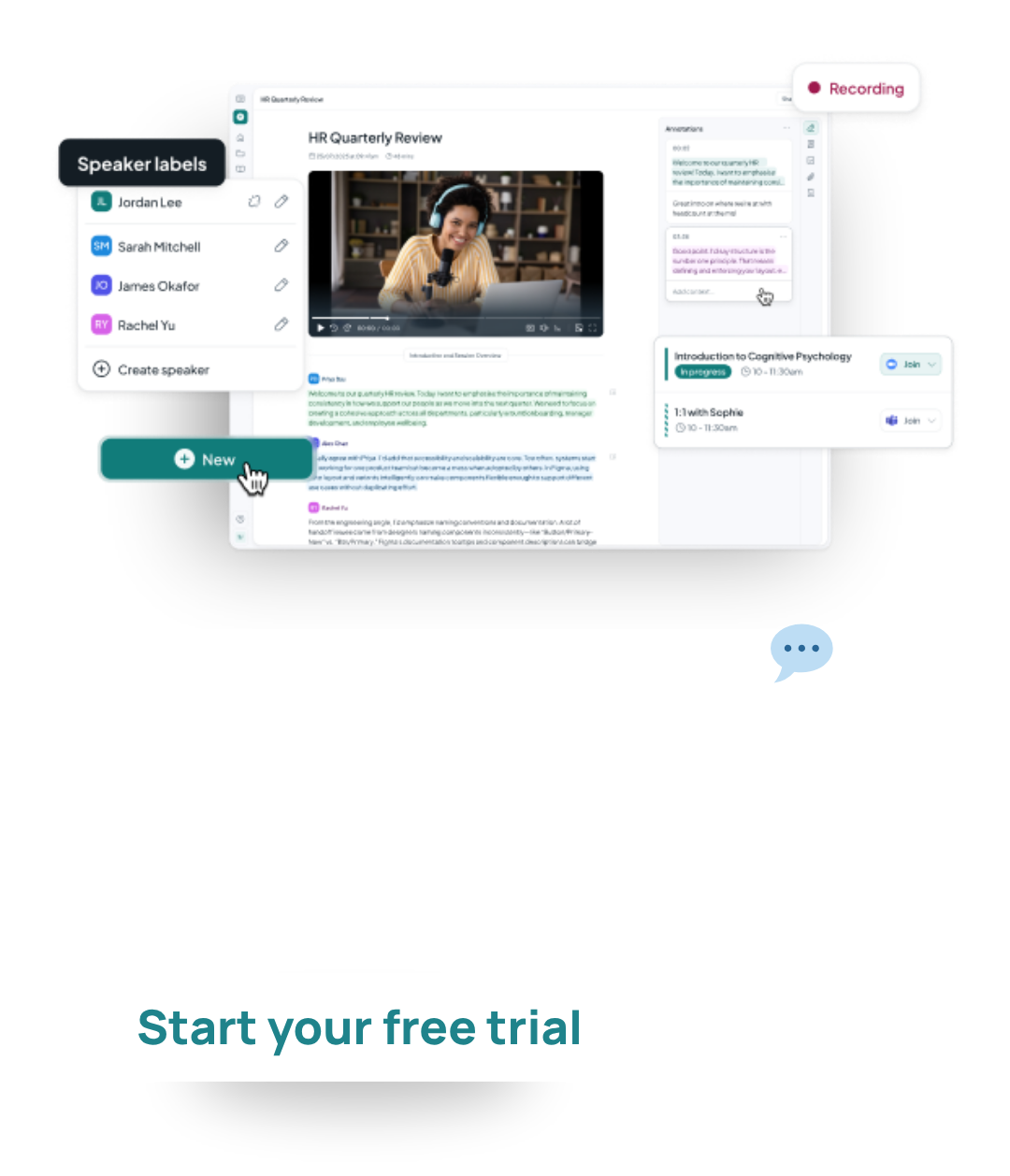
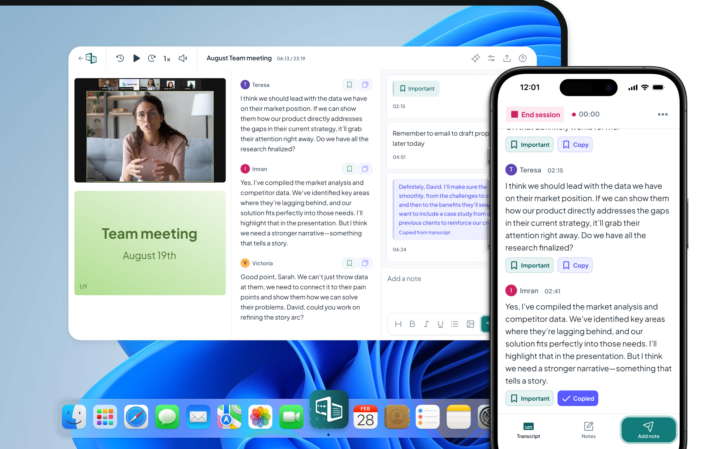
Planning an appraisal with your employee and want to conveniently capture their comments? Save time and effort with Caption.Ed. Caption.Ed not only transcribes your conversation, but it also pulls your key discussion points and incorporates them into any meeting template, appraisal form, or assessment survey. Whether your document is packed full of fresh feedback or you’ve only made subtle tweaks, Caption.Ed will automatically format everything, so it all comes together neatly as one.
Curious to know more about Auto-Fill Documents? Take a peek at the helpful feature guide or book a demo to see it in action.

Our small but mighty team builds leading-edge software that people love. We pride ourselves on a user-led approach to product design. The voice of the customer shapes what we create and that’s exactly how great assistive tech should be made.
Misophonia is more than just disliking certain sounds. For some individuals, the emotions brought on by it can be so extreme…

Dysgraphia is a lesser-known handwriting difficulty that’s often mixed up with conditions like dyslexia and developmental coordination disorder (DCD). So, how…

There’s a lot of confusion when it comes to understanding ADHD in men. In this helpful guide, we explore different types…