Make Every Meetup Count with a Foolproof Meeting Agenda: Tips, FAQs, and Templates

Creating a meeting agenda may feel like ‘just another task on your to-do list’, but the reality is, if we put effort into making our meetings more structured, we save time, improve understanding, and get more done. Here’s how to create an agenda that sets you up for success.

What is a Meeting Agenda?

You might choose to think of a meeting agenda as the framework for a meeting. It’s there to define who will attend, what needs to be covered, and what the overall aims are. Most of the time, meeting agendas are laid out as lists or tables with subheadings. This makes it easy for all attendees to skim through the agenda and understand what the meeting will be about.

How Do Meeting Agendas Make a Difference to Productivity?

From process mapping to 30-60-90 day plans, there are many ways that businesses plan out their time to boost productivity. But not all of us give this same level of attention to meeting prep. According to research from Flowtrace, almost 65% of routine meetings are held without an agenda. This lack of structure can cause meetings to run over, discussions to go off topic, and staff to come away without a clear picture of what needs to happen next.

New call-to-action

With a well-written meeting agenda, everyone knows:

  • Who should be attending
  • Their role/how they’re expected to contribute
  • How long each meeting segment will take
  • What the overall goal/focus of the meeting is 
  • What needs to be reviewed or continued after the last meeting

Having these things clearly laid out in a document has a huge impact on productivity because it stops the host from having to clarify points unnecessarily or leave important questions unanswered. This prevents the need for follow-up meetings. It’s suggested that 60% of meetings aren’t planned for or scheduled in. While the occasional unplanned meeting can be helpful for team morale or useful for sharing urgent info, too many can start to eat into focus time and cause stress amongst the team. Some of this stress can be prevented by focusing on concise, carefully planned meetings that are scheduled in the calendar.

How to Write a Meeting Agenda (Example)

When writing a meeting agenda, the easiest place to start is by thinking about your aim. Ask yourself: 

  • What is the purpose of this meeting?
  • What do I/we hope to achieve?

If you can be really clear about your meeting purpose and aims, it then becomes much easier to figure out when your meeting should happen, who needs to attend, what each person will be responsible for, and which segments need to be included.

Here’s a simple example agenda for a weekly team meeting. The aim of this agenda is to help the team keep track of projects and tasks:

Weekly Team Meeting Agenda

Meeting Priority: Medium

Date: 05/08/26

Time: 10.30am-12.00pm

Location/Link: Room A (Next to coffee lounge)

Participants: Sharon, Lucy, Ed, Fatima, Al, Maria

  1. Review of last week’s actions (15m)
  • Go over Blue Suitcase proposal – where are we at?
  • Check EDI training unit status for everyone
  • Check status of funding application for Road Run 2026
  1. Key priorities for this week (30m)
  • Make a start on Cyber Stars web project (Sharon and Ed)
  • Finish off any outstanding EDI modules (Maria, Al, and Fatima)
  • Book in meeting with Kelly from city museum to discuss Road Run event promotion (Lucy)
  1. Challenges or blockers (15m)

(Complete during/after meeting)

  1. Decisions needed (10m)

(Complete during/after meeting)

  1. Who can support? (5m)

(Complete during/after meeting)

  1. Next steps & assigned actions (15m)

(Complete during/after meeting)

Not every agenda will include sections to fill in during or after. There are many types, and you may find that you prefer different formats for different kinds of meetings.

Try a Meeting Agenda Template to Stay On Track

If you want to, you can follow the meeting agenda template above, replacing the text with your own notes. Or, you can find one online that better suits your meeting type. The great thing about using a meeting agenda template is that it becomes a set process you can share with your team. This benefits everyone by:

  • Making it simple for anyone in the team to create an agenda
  • Having a set meeting structure so people loosely know what to expect
  • Making it easy to compare meetings
  • Not having to decode different agenda styles to catch up after time off

Free Meeting Agenda Templates Available Online

Looking to bring structure and clarity to your meetings? These free meeting agenda template pages are well worth bookmarking:

  • Microsoft Create Agenda Templates These Word-friendly templates are ideal for teams that want visually polished agendas without spending hours formatting. They’re easy to customise and work well for both digital and print use, making them great for internal meetings, client presentations, or even event planning. 
  • Vertex42 Meeting Agenda Templates Vertex42 offers practical templates that are perfect for time-blocking and assigning responsibilities. These are especially useful for recurring meetings like weekly team check-ins or project updates, where consistency and clarity are key. You can download them for free for Word or Google Docs.
  • Miro Meeting Agenda Template Miro’s collaborative agenda board is built for remote and hybrid teams. It allows you to assign tasks, attach files, and even integrate meeting minutes directly into the board. This is ideal for workshops, mind mapping sessions, or any meeting where live collaboration is essential. 

Final Tips for Productive Meetings

When following an agenda template for the first time, some people panic when segments run over, but this is normal and to be expected. Over time, teams tend to become familiar with the parts of the meeting that take longer. This gives everyone an opportunity to work on streamlining things. 

New call-to-action

If you’re the person leading regular meetings, why not challenge yourself to ask questions a bit faster, switch open questions to closed questions, or request any unaddressed queries by email before the meeting starts? This speeds things up and saves time.

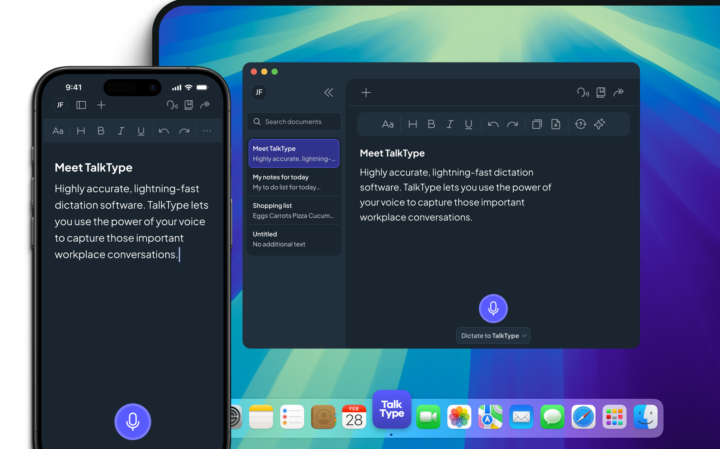
If you or the person hosting the meeting find it difficult to type out your meeting agenda, consider speaking the key agenda points out loud, using a real-time dictation app. This can help you to get your thoughts down before formatting them into a more formal document or email. 

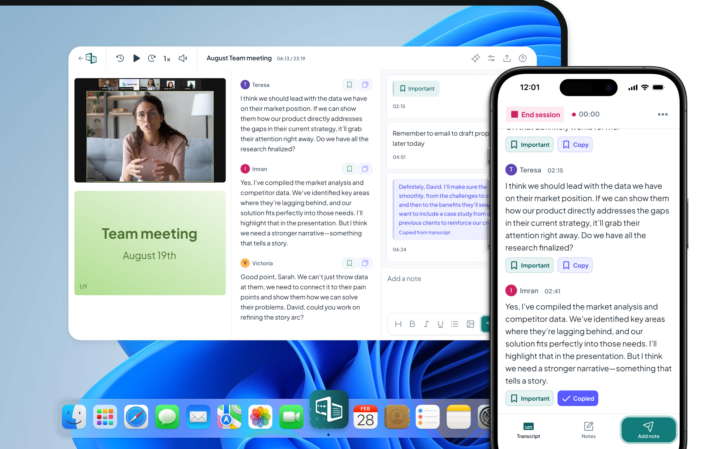
Finally, try to record meeting minutes or make notes during the meeting so that you have written evidence of what needs to happen next. If you find typing and listening difficult, use a live captioning software. This will allow you to give your full attention to the meeting and what’s being said. You can then go back in and tidy up your notes afterwards.

FAQs

Why Create an Agenda for Every Meeting?

Having an agenda for each meeting ensures you enter every meeting prepared, with a clear focus. This structure makes sure everyone involved knows what’s happening and why.

What Needs to Be Included in a Meeting Agenda?

There’s no set structure for a meeting agenda, but it’s recommended to include your meeting title, date, time, location, participant names, meeting aims, and discussion topics as a bare minimum. If you’re including your meeting agenda as part of your Teams call details, some of this information will be auto-populated for you.

Who Should Write the Meeting Agenda?

Meeting agendas are typically written by the person hosting the meeting. In a workplace, this might be a team leader or manager. If it’s your first time leading a meeting or creating an agenda, you might want to ask a colleague to review it to ensure you haven’t missed any important details.

How Does a Team Meeting Agenda Differ from a 1:1 Meeting Agenda?

Team meeting agendas tend to focus on group updates, collective decision-making, and shared priorities, while 1:1 agendas are more personal and development-focused. In a 1:1, you might cover individual performance, career goals, personal challenges, and feedback. Team meetings need more structure to manage multiple voices and perspectives, whereas 1:1s can be more conversational and flexible with timing.

Dr. Richard Purcell

Rich is one of the Founders and Directors here at CareScribe. Rich has a passion for healthcare and assistive technology and has been innovating in this space for the last decade, developing market leading assistive technology that’s changing the lives of clients around the globe.

Our Products

Levelling the playing field for people with disabilities.

Our small but mighty team builds leading-edge software that people love. We pride ourselves on a user-led approach to product design. The voice of the customer shapes what we create and that’s exactly how great assistive tech should be made.

A game changer in
accessibility and productivity.

Visit captioned’s website

Dictation software that
doesn’t sacrifice accuracy.

Visit TalkType’s website